Tutorial
Bringing an existing system in: paste your tokens as DTCG JSON
If you already have tokens, switching tools feels like a rebuild. It isn't. Your tokens are almost certainly already in DTCG JSON, the open standard most token tools export, and you can paste them straight in. Names and the way you've grouped them come across intact, so you start from your real system, not a blank canvas.
If you already have a token set, the thing standing between you and a better tool is rarely the tool. It is the dread of redoing work you have already done: re-typing a few hundred names, rebuilding the groups, re-deriving the scales, and quietly losing the small conventions your team settled on over months. Switching feels like starting from a blank canvas, so most teams put it off, even when the canvas they are on is holding them back.
It does not have to be a rebuild, because your tokens are probably already in a portable shape. DTCG JSON, the Design Tokens Community Group format, is an open standard that most token tools can export, and Zaklad reads it directly. You paste your tokens in and they arrive as real tokens, with your names and the way you grouped them intact. This guide walks through where to paste, what comes across, and why the same open format that lets you in is also the door out.
TL;DR
- Zaklad imports DTCG JSON, the open standard most token tools already export. You paste it in directly.
- Your names and group structure come across intact, nested paths and all, so you recognise your own system on the other side.
- References are preserved: a token that aliased another still points at it rather than being flattened to a copy.
- The layer is inferred from the path, foundation, semantic or component, so your tokens land in the right place in the three-layer model.
- The same format is the clean exit: you can export your tokens as DTCG JSON at any time, so importing is not a one-way trap.
What this covers
Paste your tokens in
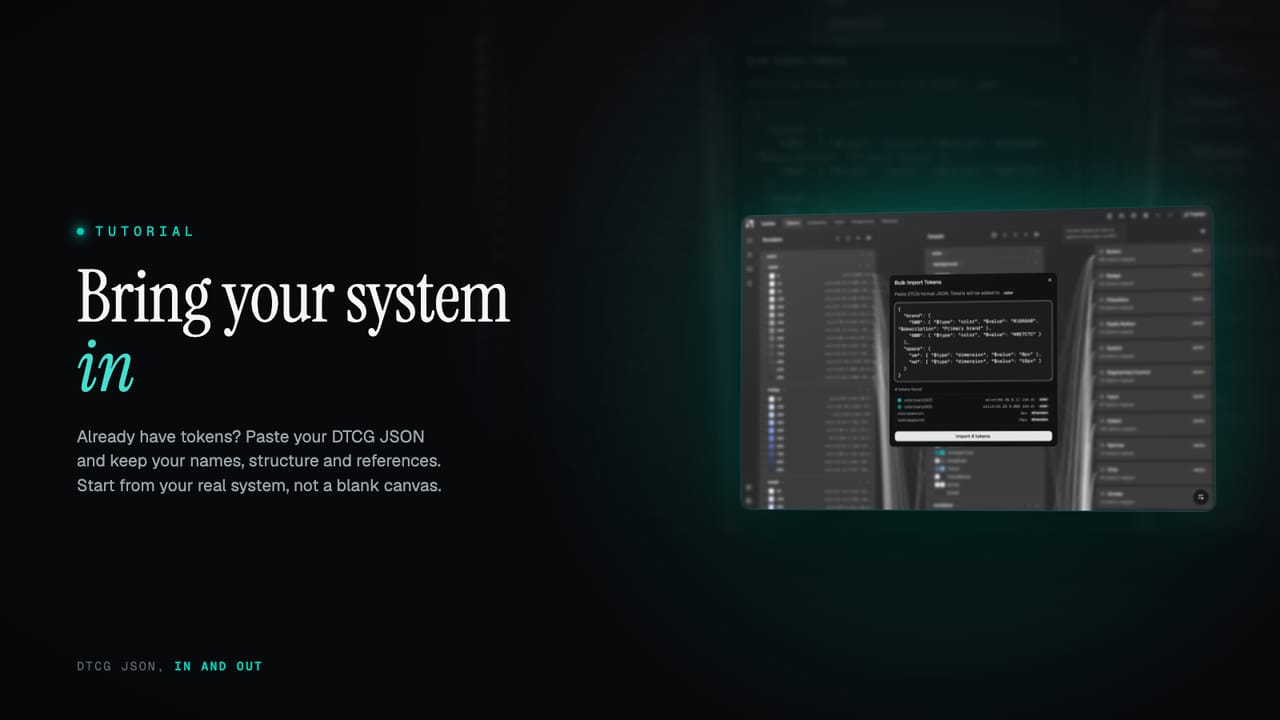
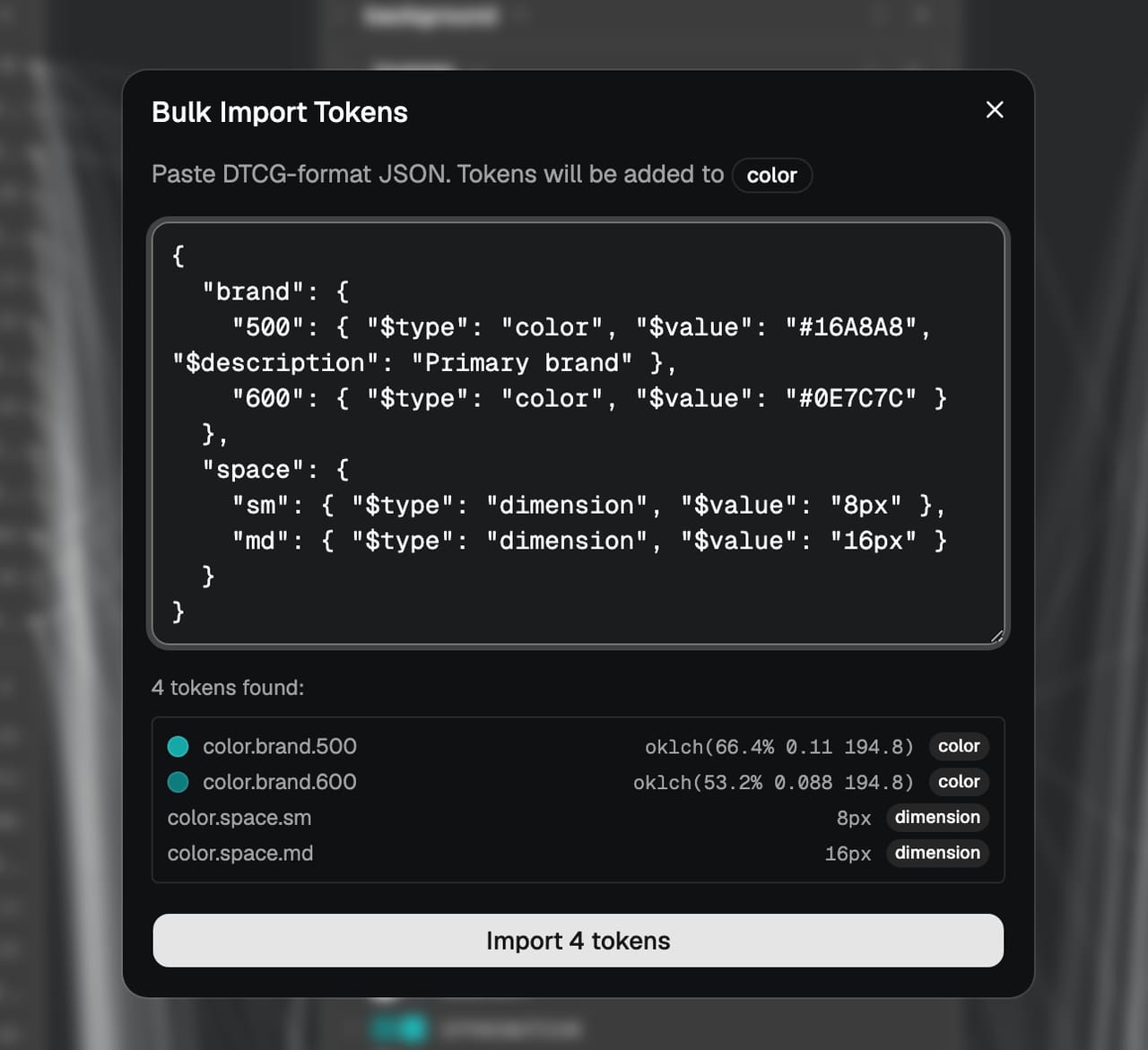
Import lives where you add tokens by hand: open the Add Token modal and there is a button to bring in JSON instead. It opens a panel where you paste your DTCG JSON straight into a text area, see a preview of what will be created, and import. There is no file to format or upload first; you copy the JSON out of wherever it lives now and paste it in. The parser is forgiving about the wrapping too, so a self-contained object pastes cleanly without you stitching outer braces around it.
It reads the standard DTCG shape: a token's $type and $value, nested groups, descriptions, the lot. Because the format is shared, you do not need anything Zaklad-specific to produce the input. Whatever you are on now, if it can export DTCG, that export is your starting point.
What comes across
The point of importing rather than re-keying is that the things that make it your system survive the move. On import, Zaklad preserves:
- Names. Each token keeps its exact name, not an approximation.
- Structure. Your nested groups become group paths, so the hierarchy you built,
color.brand,spacing.inset, and the rest, comes across the way you arranged it. - References. A token that aliased another, written in the
{group.token}form, is kept as a reference rather than collapsed into a copied value, so the relationships in your system stay live. - Descriptions and types. A token's
$descriptionis carried over, and its$typeis mapped to the matching kind so colours arrive as colours and dimensions as dimensions.
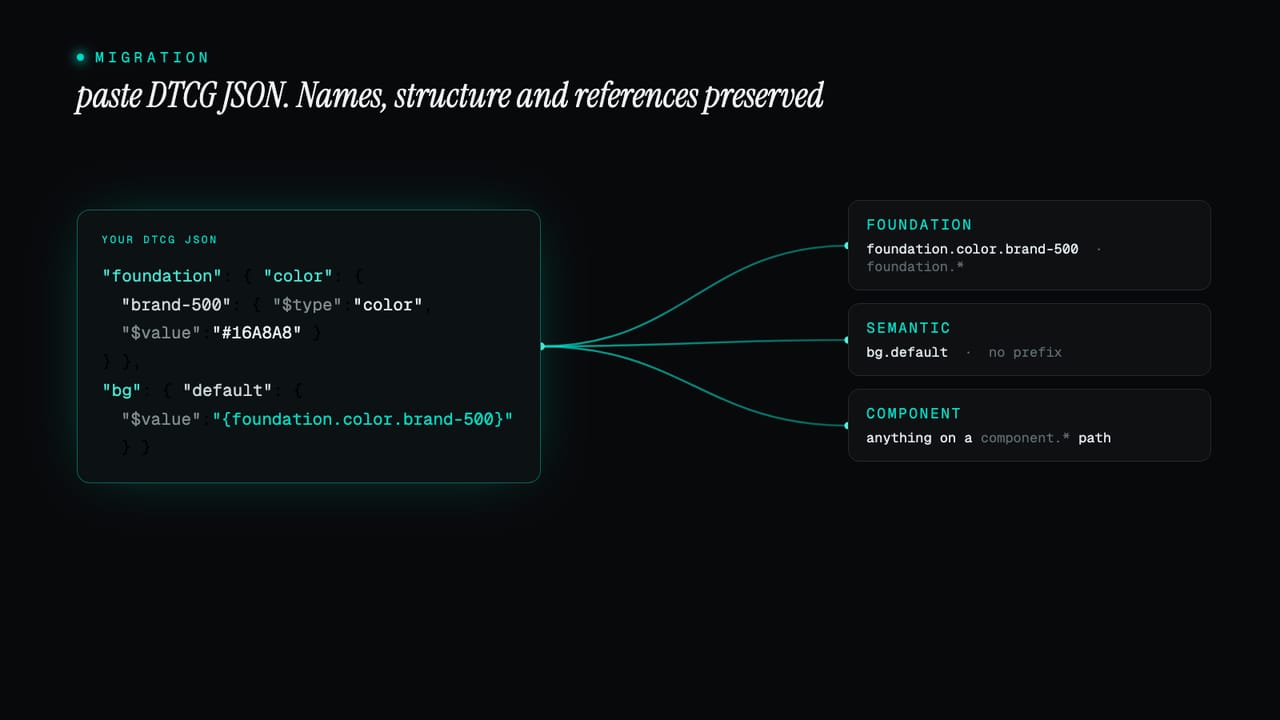
That last point about references is the one that matters most. A flat import that turned every alias into a hard-coded value would hand you a pile of duplicated numbers and throw away the very thing that makes a system maintainable. Keeping the references intact means your imported tokens behave like tokens you built in place, ready to theme and cascade. The reasoning behind why aliases matter so much is in three token layers.
Where your tokens land
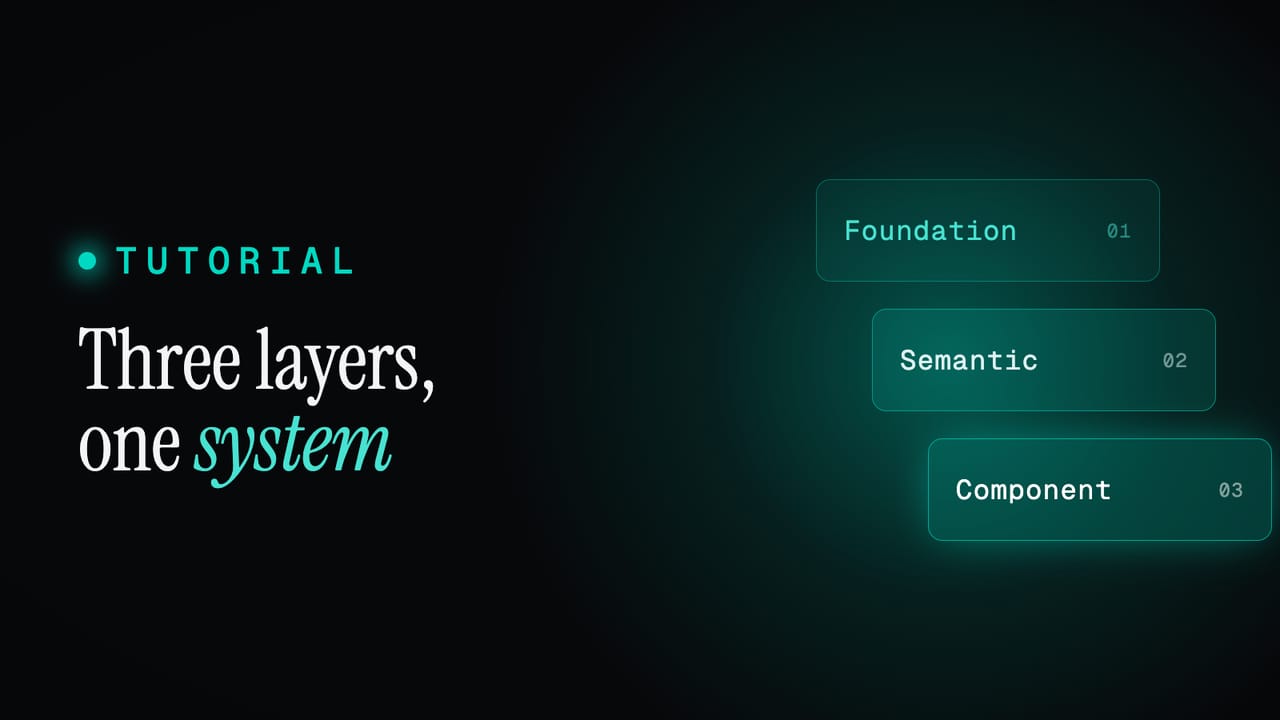
Zaklad organises every system into three layers, foundation, semantic and component, and your imported tokens are sorted into them automatically. The layer is inferred from the path: tokens under a foundation path land as foundation, tokens under a component path land as component, and everything else is treated as semantic. So a set that already follows that broad shape slots straight into the structure rather than arriving as one undifferentiated heap.
From there it is your system to refine. The names are stable, the groups are intact, and you can rename, regroup, lock the parts that are settled, and lean on the editor to fill in anything the import did not cover. The import gets you to a real starting point fast; the polishing is the same work you would do on any system, just without the cold start.
What to expect
A couple of honest notes, so the first import goes smoothly. Anything in a token type Zaklad does not recognise is flagged in the preview rather than silently dropped, so you can see exactly what did and did not come across before you commit. And if your existing tokens carry per-theme overrides, you bring the themes in deliberately, a set at a time, rather than expecting one paste to reconstruct an entire multi-theme structure in a single move.
None of this is a reason to hesitate. The common case, a single set of tokens with names, groups and references, comes across cleanly, and the preview means there are no surprises: you see what you will get before anything is created.
It goes both ways
Reading DTCG is only half of it. Zaklad also exports your whole token set as DTCG JSON at any time, the current live state or the frozen tokens of any published release. That symmetry is deliberate, and it is the real reassurance behind importing: the same open format that lets you bring a system in is also the clean exit. If you ever want to take your tokens and run them entirely on your own infrastructure, they leave in a standard shape that anything else can read.
The platform is built to help you create and maintain a design system, not to trap you in one. For most teams the generated package, the Figma library and the live tooling are a better path than wiring all of that up by hand, but the door is open in both directions, which is exactly what makes trying it low-risk. The export side is covered under exporting your tokens.
So bringing an existing system in is less of a migration than it sounds: paste your DTCG JSON, keep your names, structure and references, and pick up in Zaklad from where you already were. Start a project and paste your tokens into the Add Token panel, or read three token layers to see the structure your tokens will slot into.