Tutorials and product updates
Deep dives, how-tos, and what's new, from the team building Zaklad.
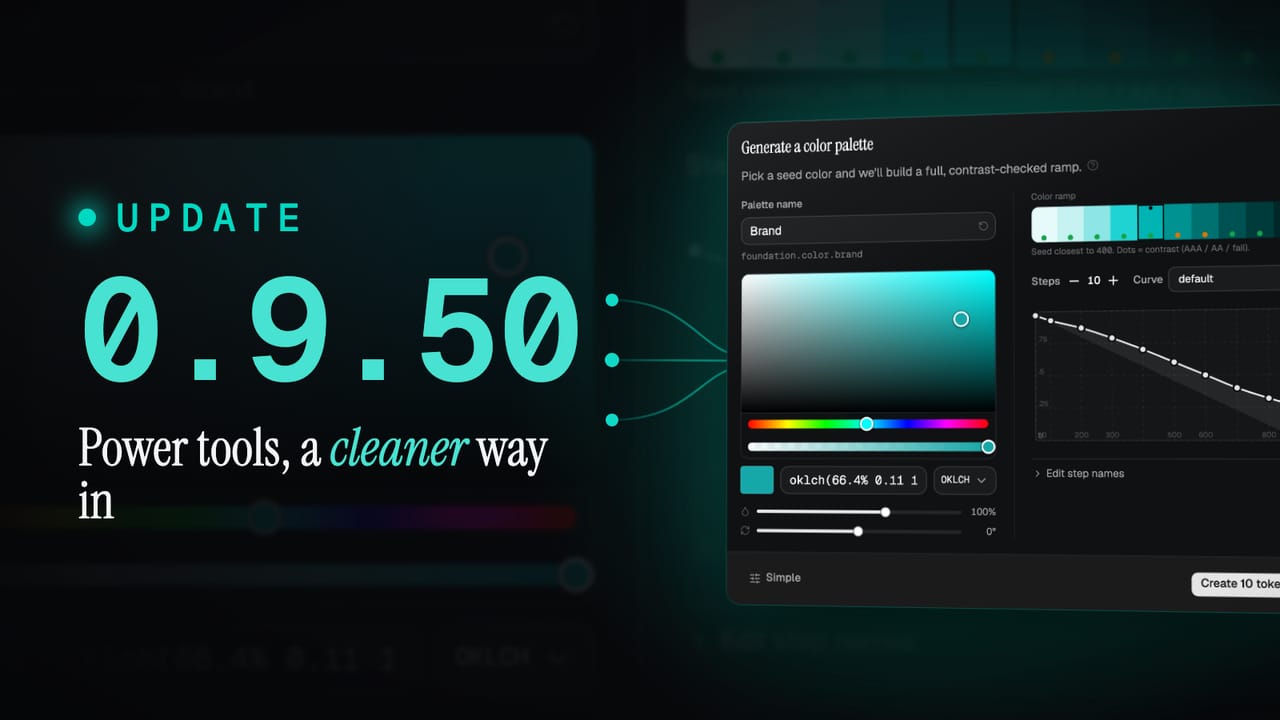
What's new in 0.9.50: power tools, and a cleaner way in
0.9.50 gives every foundation type a guided builder, each with a Simple and Advanced mode, and hands your AI agent the very same tools over MCP, so you can build by hand or by instruction. It also brings new motion, gradient and shadow tokens, and a top to bottom refresh of the whole interface.
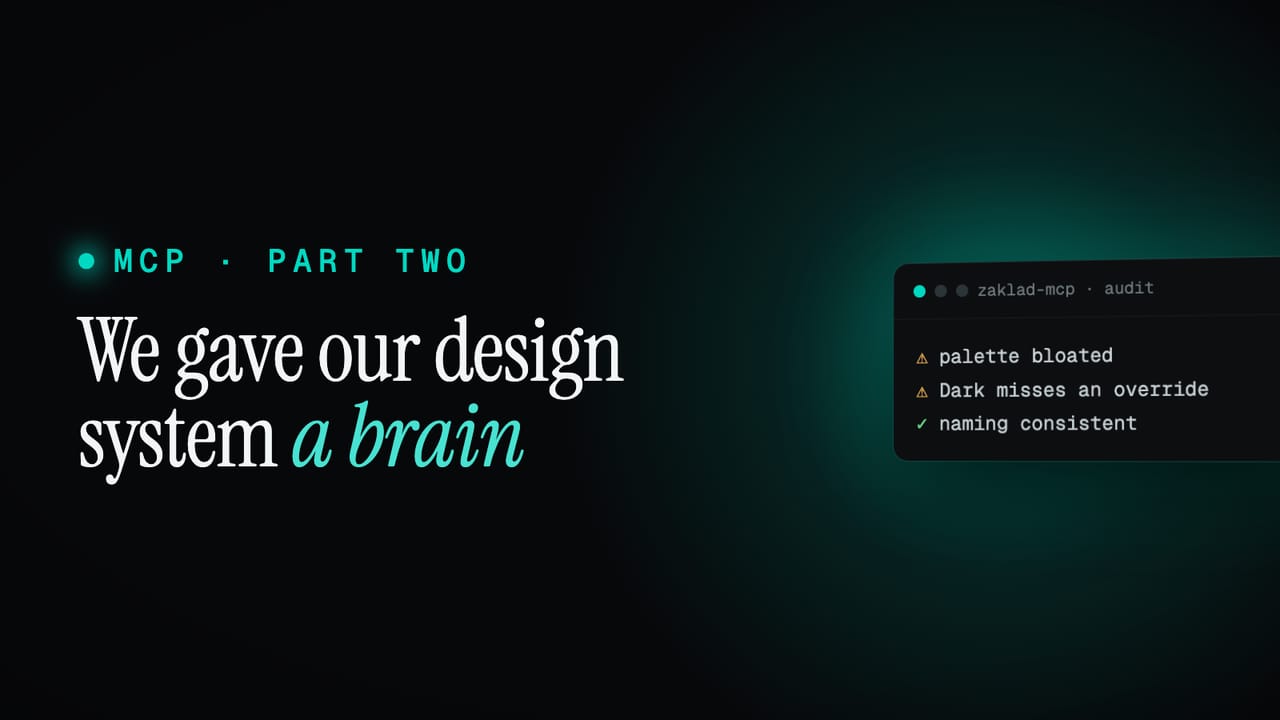
We gave our design system a brain
We added MCP expecting a remote control. The emergent effect was stranger: pointed at our own system, it started auditing us, grading our palette and naming against sourced best practice, citations and all. The same connection also teaches the platform, ingests a scattered old system and writes real code.
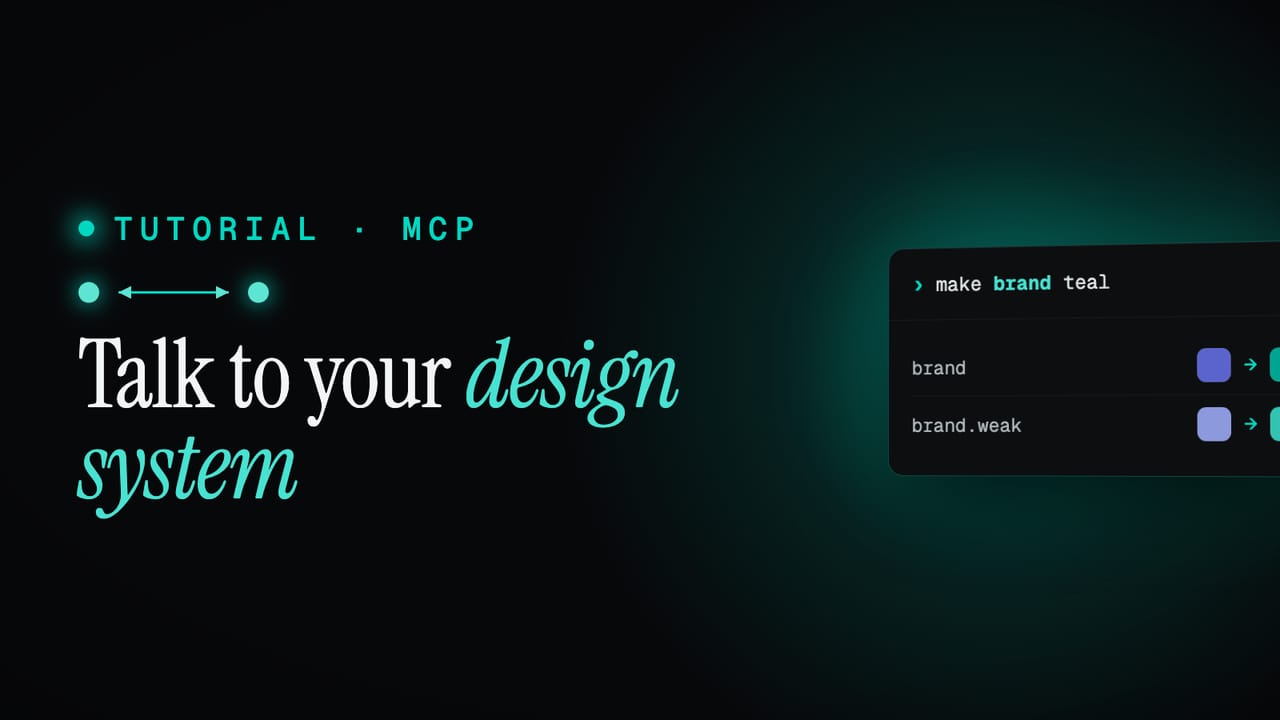
Talk to your design system, via MCP
Connect any AI to your Zaklad project over MCP and change your live design system in plain language. One sentence, one reversible change, free on every plan.
DESIGN.md: your whole design system in one file any AI can read
A DESIGN.md file describes your entire design system in one document, so a generative design tool can build on the real thing instead of guessing. Here is what it is, why it matters, and how to use yours.
Bringing an existing system in: paste your tokens as DTCG JSON
If you already have tokens, switching tools feels like a rebuild. It isn't. Your tokens are almost certainly already in DTCG JSON, the open standard most token tools export, and you can paste them straight in. Names and the way you've grouped them come across intact, so you start from your real system, not a blank canvas.
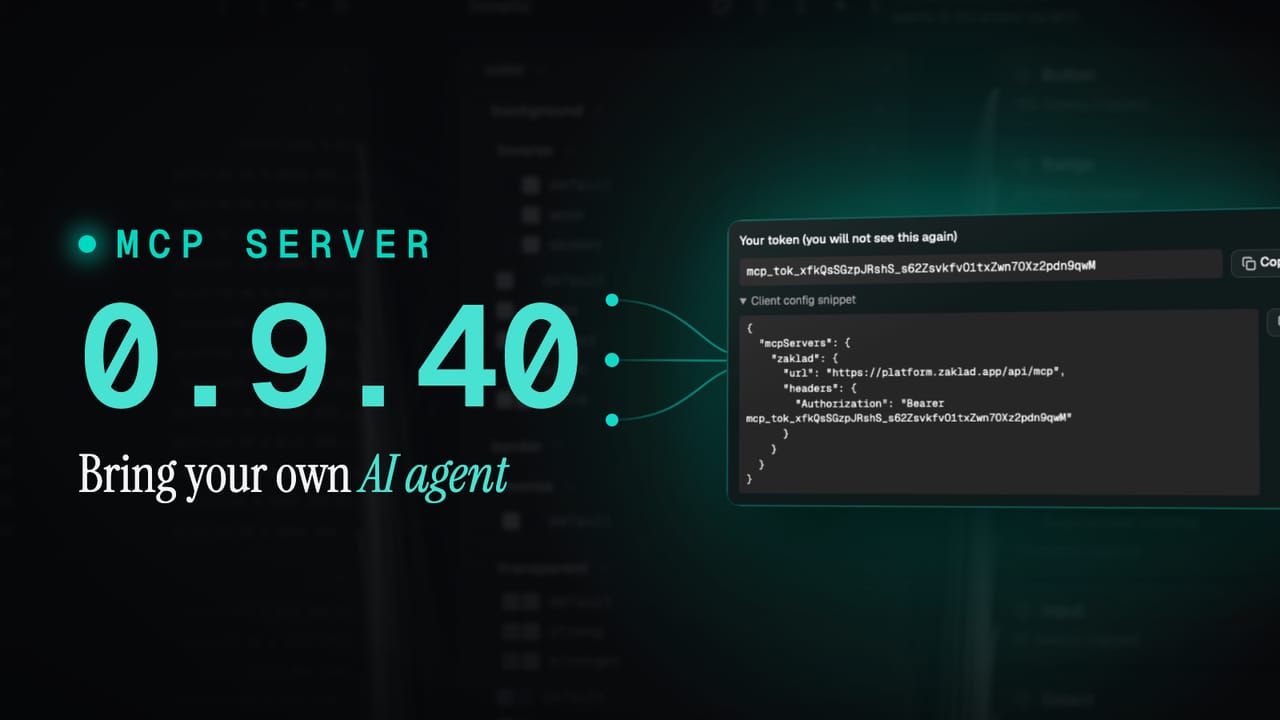
What's new in 0.9.40: bring your own AI agent
0.9.40 opens your design system up to AI. Connect any AI agent over the new MCP server to read and change your system in plain language, and hand any AI tool the whole thing as a single DESIGN.md file.
Computational tokens: one number that drives the whole system
Most design tokens are flat values you edit by hand. Computational tokens are formulas that derive their value from other tokens, so a single change at the base re-flows everything downstream. Here is how they work, why we base ours on 16px, and how to build your own.
Colour from the ground up: one brand colour into a whole system
Most teams pick a handful of hex values by hand and hope they hold together. The long version: turning one brand colour into a full palette with OKLCH, light curves, smart hue correction, colour harmony, and a clear line between brand and status colour.
Type that scales: from one ratio to a full set of text styles
Good typography is not a font choice, it is a system: a scale of sizes that relate, styles that bundle every decision, and one set of names that holds across screen sizes, code and Figma. Here is how to build it from a single ratio.
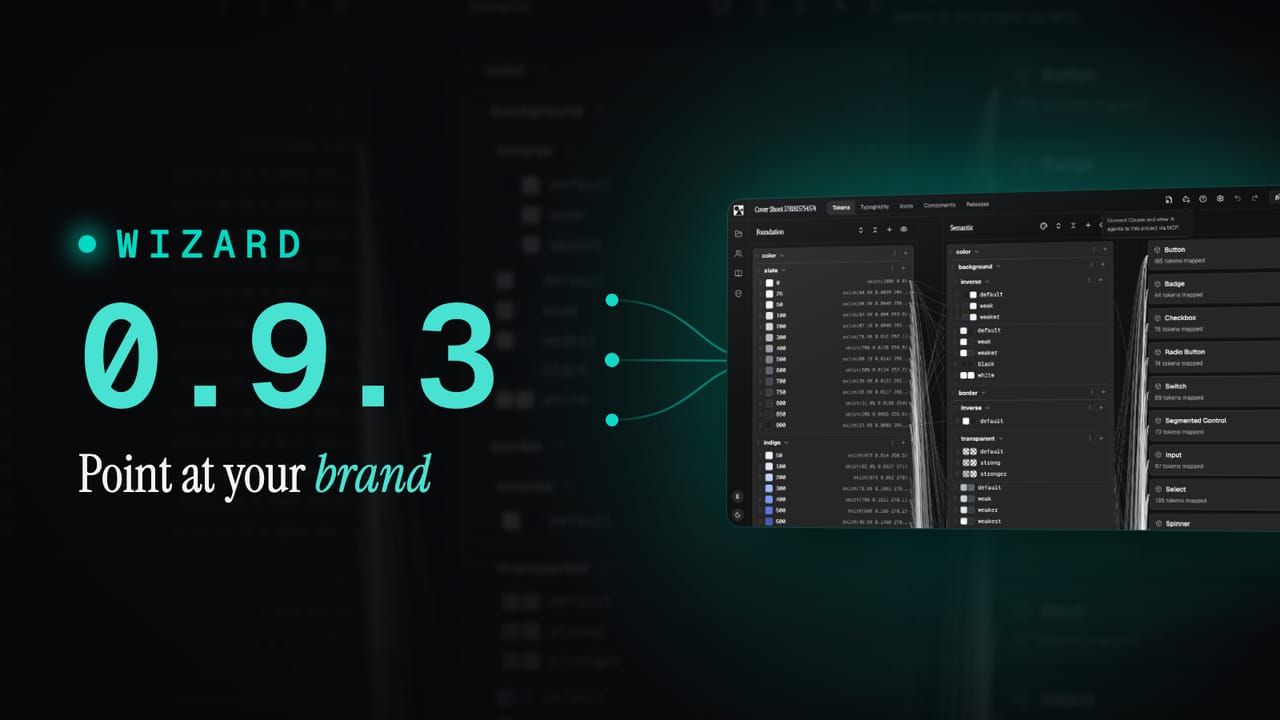
What's new in 0.9.3: start from a wizard or a base template
0.9.3 gives you two fast ways to begin. Point the wizard at your brand and it builds a full system you can fine-tune, or start from a production-ready base template. Plus more components and a round of fixes.