Tutorial
Talk to your design system, via MCP
Connect any AI to your Zaklad project over MCP and change your live design system in plain language. One sentence, one reversible change, free on every plan.
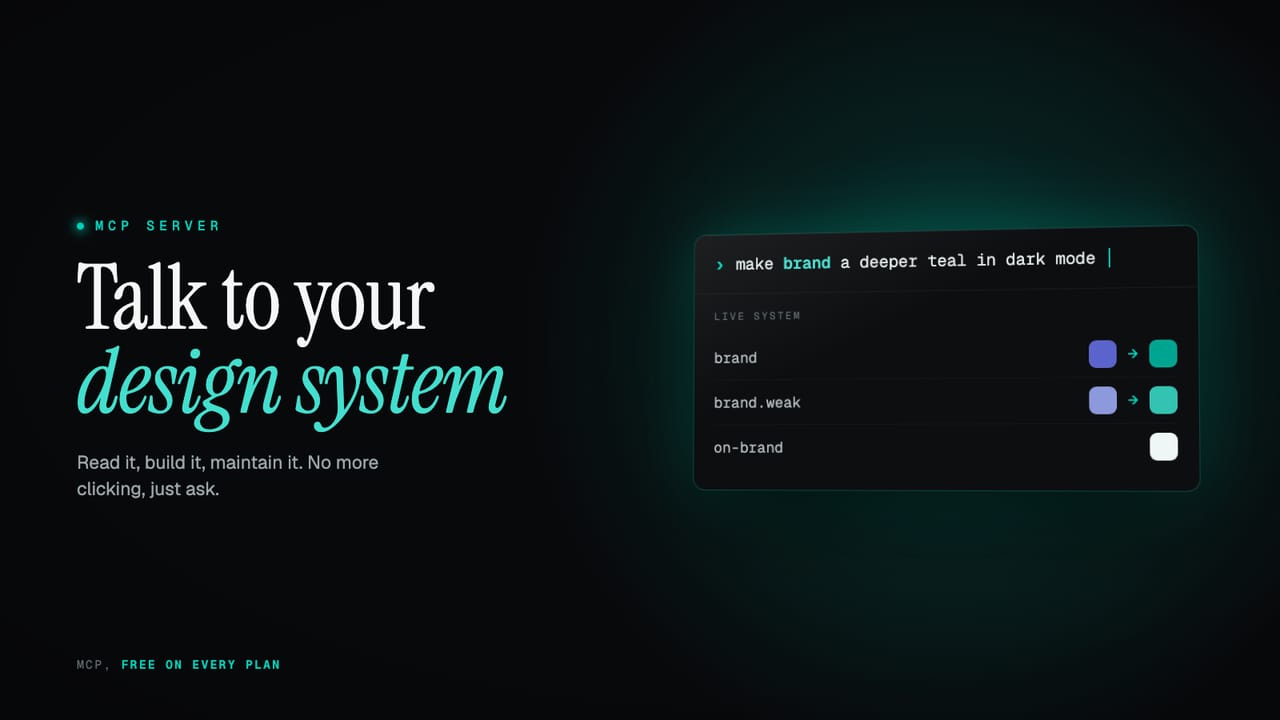
Keeping a design system current by hand is a slog: hunting down every place a value is used, editing each theme, and hoping nothing slipped through. Solving exactly that is one of the reasons we built Zaklad in the first place. Change one foundation value and theme inheritance carries it through every theme, component and token that points at it, automatically, all the way down the pipeline to where your design actually lives.
This is another level. Connect any AI to your system over MCP and you do not open the editor at all. You say what you want in a sentence, 'warm up the whole palette', 'add a high-contrast theme', and it lands as a single, reversible change to your live system.
Here is the practical half, end to end. You do not need to be a developer, and you do not need to pay: MCP is available on every plan, including the free one. Let us start with what it actually feels like.
TL;DR
- Edit by talking. 'Warm up the palette', 'rename accent to brand everywhere', 'add a high-contrast theme': one sentence, one reversible step across your whole system.
- Audit before you touch. Ask what a value affects, or what your system already contains, and it answers from the live thing, every token, component and theme, before anything moves.
- Create from scratch. Describe a brand, or hand it the guidelines, and it lays down a whole system from nothing, following your conventions.
- Any AI, one source of truth. It is an open standard, so Claude or any MCP tool reads and writes your live system instead of a stale file you pasted in.
- Safe by design, free to try. Every change is validated, logged and reversible, just ask it to undo, locks are respected, and it runs on every plan including free.
What this covers
- The thirty-second version of MCP
- One sentence, system-wide
- A rebrand you can watch
- Build a system from a brief
- Ask it about your own system
- The one rule worth knowing
- Connect it in two minutes
- Is it safe?
The thirty-second version of MCP
MCP, the Model Context Protocol, is an open standard that lets an AI tool call real functions on a server instead of reading a screenshot or a stale export. Zaklad exposes your whole system over it, so the AI reads the live thing and writes straight back to it; the docs cover what the MCP server is in full. Any MCP-capable tool works: Claude, and anything else that speaks the protocol. We will set it up in a couple of minutes near the end. First, what it lets you do.
search_tokens("brand")returned 24 tokensupdate color.brand = "warmer"applied across 4 themesOne sentence, system-wide
Each exchange below is one plain-language instruction, applied to the live system as a single change you can undo with a word:
you      warm up the whole palette: +8° hue, +10% chroma, every theme
zaklad   ✓ retoned 312 tokens across 5 themes

you      rename "accent" to "brand" everywhere and fix every reference
zaklad   ✓ 38 tokens renamed, 12 components repointed

you      add a high-contrast theme derived from our brand colour
zaklad   ✓ new theme · 47 slots filled automatically
None of that touched the editor. Each instruction ran through the same validation a manual edit does, landed as one atomic change set, and sits in the activity log with a full before and after. Get one wrong and a single 'undo' takes the whole batch back at once. One thing to know: MCP keeps its own undo history, separate from the editor's, so you undo an MCP change by asking over MCP, and an editor change in the editor. The docs cover managing your system with AI and how every write is governed.
A rebrand you can watch
Big changes are where this earns its keep, because the AI looks before it leaps. Ask for the blast radius first, then apply:
you      what depends on the indigo palette? change nothing yet
zaklad   indigo.500 is referenced by
         · brand, brand.weak              (semantic tokens)
         · Button, Badge, Link            (components)
         · Light, Dark, High-Contrast     (theme overrides)

you      shift the whole indigo ramp to teal. dry run first, then apply
zaklad   dry run: 11 steps · 5 themes cascade automatically
         ✓ applied as one change · say "undo" to revert all of it
You see everything that will move before a single value does, the change cascades through every theme at once, and the open editor is notified the instant it lands. A rebrand becomes a two-line conversation with a safety net under it.
Build a system from a brief
It is not only for editing what you already have. You do not need a system to begin: describe a brand and the AI lays down all three layers, following your conventions.
you      build a starter system for a calm fintech brand around #4C4FA6
zaklad   ✓ foundation palette, neutrals, status colours
         ✓ spacing scale, 6 text styles
         ✓ Button and Card wired to semantic slots · Light + Dark themes
You do not even have to type the brand out. Your AI does the reading, not Zaklad: hand it a PDF of the brand guidelines and it interprets them itself, the colours, the type, the spacing, then writes the result into your system over MCP. The reading and the judgement happen on your side; MCP is only the channel it builds through. It is the conversion every team does by hand, a printed brand book becoming real digital tokens, themes and components a product can actually use.
you      here are our brand guidelines (PDF). build a system from them
claude   read 18 pages · pulling out the colours, type and spacing
         translating each brand rule into tokens, themes and components
zaklad   ✓ palette + neutrals · 7 text styles · spacing scale
         ✓ Button + Card wired to semantic slots · Light + Dark themes
From there you refine it the way you refine anything here, by talking to it. A few sentences and you have a real, themed starting point instead of a blank canvas.
Ask it about your own system
You do not have to change anything to get value out of the connection. Because it reads the live system, you can simply ask, and the answer comes from the real thing rather than your memory of it: what text styles exist, which old tokens nothing uses, whether your naming still holds together.
you      what text styles do we have, and which ones nothing uses?
zaklad   6 text styles · "caption" and "overline" used by 0 components

you      how does our naming look across the system?
zaklad   mostly consistent · two stand out
         · "accent2" sits beside semantic names like brand and surface
         · spacing skips from space.4 to space.6, no space.5
All of that is read-only, so you can ask it on any token, even with a read-only key. The docs have more on getting the AI to review your design system, and there is a great deal more to this side of the connection than a couple of questions, enough that it is a story for its own post.
This is the half we planned for
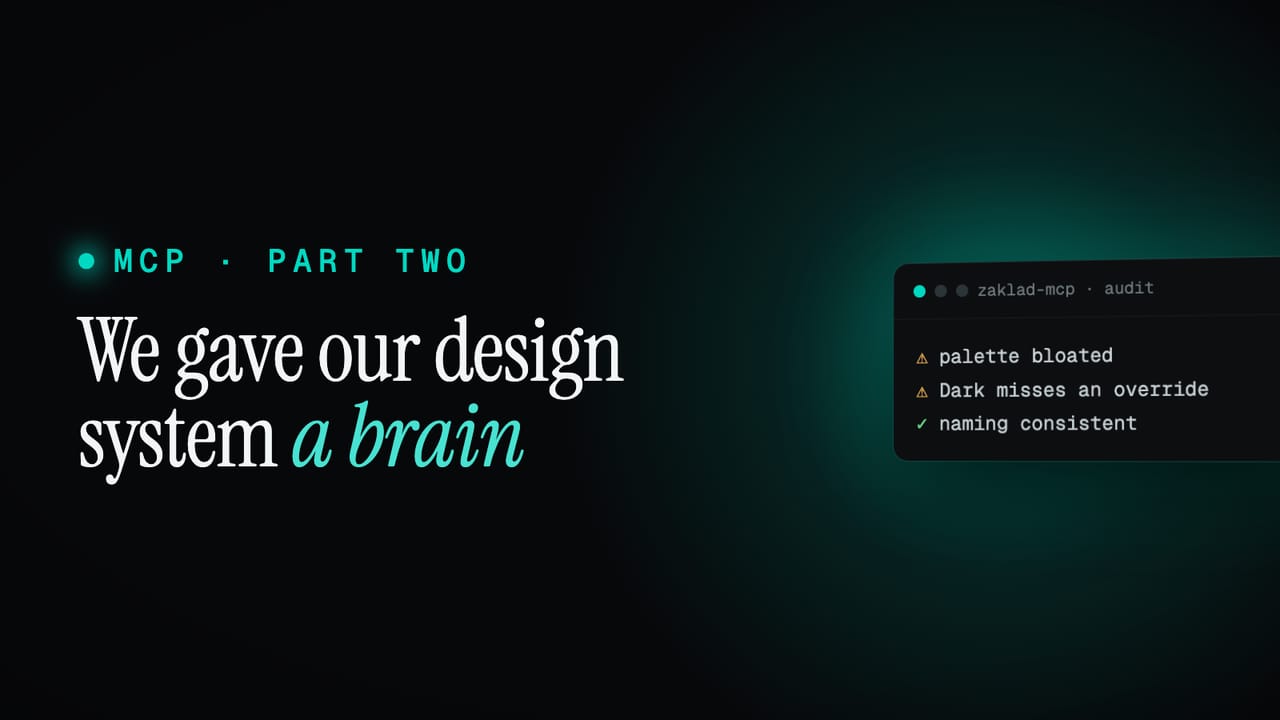
Everything so far is the connection doing exactly what we built it for: read, build and maintain your system by talking to it. The odd part is what happened next. The same connection also carries proven, sourced guidance on what good design systems do, and the AI on the other end reads almost anything you hand it, which turned out to do things we never designed for: it reviews your own system, teaches you the platform, and pulls in a scattered old one. We have been playing with that side, and a follow-up is coming soon.
The one rule worth knowing
One last thing, the only place a naive edit trips up, and the AI handles it for you. A colour you see on screen comes from a theme's override of a slot, not the slot's own value, so 'make the brand surface teal' is a per-theme change. The AI knows this and sets the override once per theme, which is exactly why light and dark can differ. You never have to think about it. The docs spell it out under how colours resolve.
Connect it in two minutes
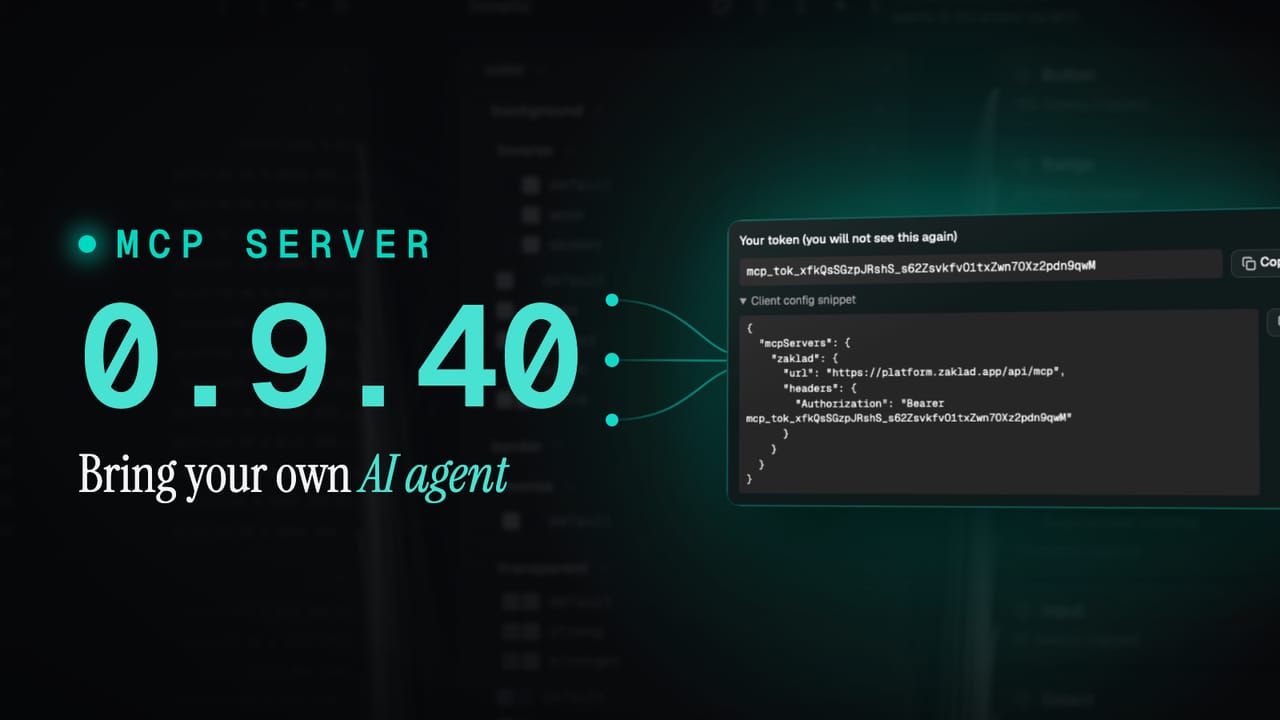
Convinced? Setting it up is quick. Open Project Settings, the MCP / AI tab, generate a token and pick a scope (start with Read and Write). The docs walk through setting it up step by step. Zaklad hands you a config block with your key already in it:
{
  "mcpServers": {
    "zaklad": {
      "url": "https://platform.zaklad.app/api/mcp",
      "headers": {
        "Authorization": "Bearer mcp_tok_your_token_here"
      }
    }
  }
}
You do not even have to wire it up by hand. Paste the block into your AI and say: add this MCP connection, reconnect, and list the tools you can see. Most tools set themselves up and report back what they can now do. That is it. You are talking to your system.
Is it safe?
- Scopes. Read-only tokens for anything that just asks; read and write only when you want edits applied.
- Hard to forge. Keys are long, high-entropy random secrets, shown to you once and only ever stored hashed, so one cannot be guessed or reconstructed from anything we hold.
- Project isolation. A token only reaches its own project, and the server ignores any attempt to reach another, even under prompt injection.
- Reversible and logged. Every write is one undoable change set, surfaced in the activity panel with a full before and after.
- Locks respected. Anything you lock cannot be touched over MCP, full stop.
- Pause any time. Flip AI access off from the editor and every key stops working at once; flip it back on when you want it, with nothing to reissue.
- Tight surface. It covers tokens, themes, type, components, icons and the design doc. Never billing, members or your keys.
- Revoke instantly. Done with a token? Kill it and access stops at once.
Go and try it
It costs nothing to find out. MCP is on every plan, including the free one. Create a project, generate a token, and ask your AI to connect. Then ask it the first thing you have been putting off about your own system, and watch what happens.