Update
What's new in 0.9.40: bring your own AI agent
0.9.40 opens your design system up to AI. Connect any AI agent over the new MCP server to read and change your system in plain language, and hand any AI tool the whole thing as a single DESIGN.md file.
This release is about one thing: letting AI work with your design system, not guess at it. Two new features make that real, and there is a stack of smaller improvements underneath them.
What's new at a glance
- MCP server. Connect any AI agent to read and edit your system in plain language.
- DESIGN.md. Hand any AI tool your whole system as one file.
- Integrated docs. Site docs and the AI now share one source.
- UI polish. Clearer guidance, tidier project views, better states.
- Fixes. A round of bug fixes and reliability work.
Bring your own AI agent
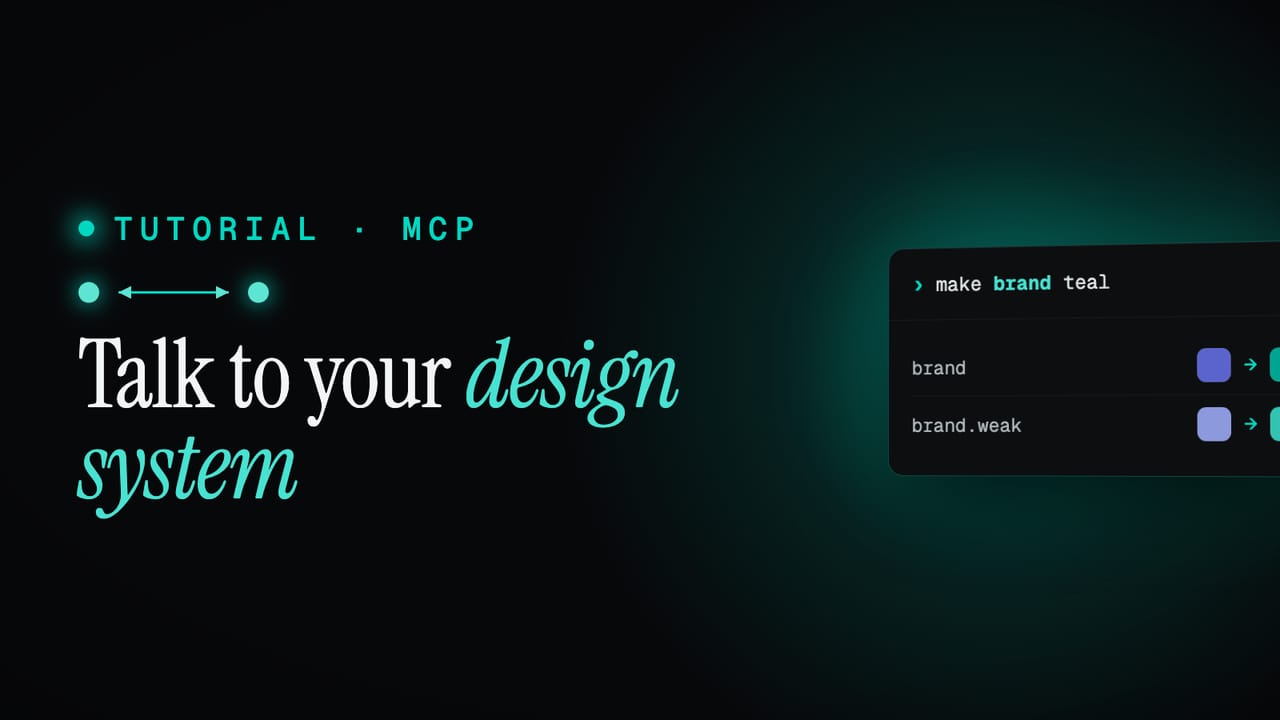
There is now an MCP server, so the AI agent you already use can connect straight to your project and work with your system live. It works with any capable MCP client, Claude, Codex, Gemini and the rest, and it can read your tokens, themes, text styles, components and icons, and change them too. Every request and response flows over one connection.
search_tokens("brand")returned 24 tokensupdate color.brand = "warmer"applied across 4 themesThe point is maintenance, not just a one-off generation. This is where it gets fun. A few things you can now ask for in a sentence:
- "Warm up the whole palette." One instruction re-tones every colour, across every theme, in a single step.
- "Here's our old system, build it as tokens." Paste in an existing set of CSS variables and have your agent reconstruct the token tree for you.
- "Add a high-contrast theme from the brand colour." A new theme, derived and filled in, without mapping anything by hand.
- "What breaks if I delete this token?" Trace every component and theme that depends on it before you touch it.
- "Rename
accenttobrandeverywhere." A sweeping change that lands as one step you can undo if it was not what you meant.
Every change an agent makes runs through the same checks as the editor and lands as a single undoable step. You can tell the MCP server to undo a change directly, and its undo and redo history is kept separate from the one in the interface, so an agent's edits and your own never tangle.
And it is not only quick tweaks. Whole workflows fit here too:
- Build a system from scratch. Describe what you want and have the agent lay down the foundation, semantic and component layers for you.
- Learn Zaklad as you go. The server is self-documenting, so you can ask it how to do something and it answers from the docs.
- Spin up a sub-brand. Create a theme for a campaign or sub-brand and have every component inherit it.
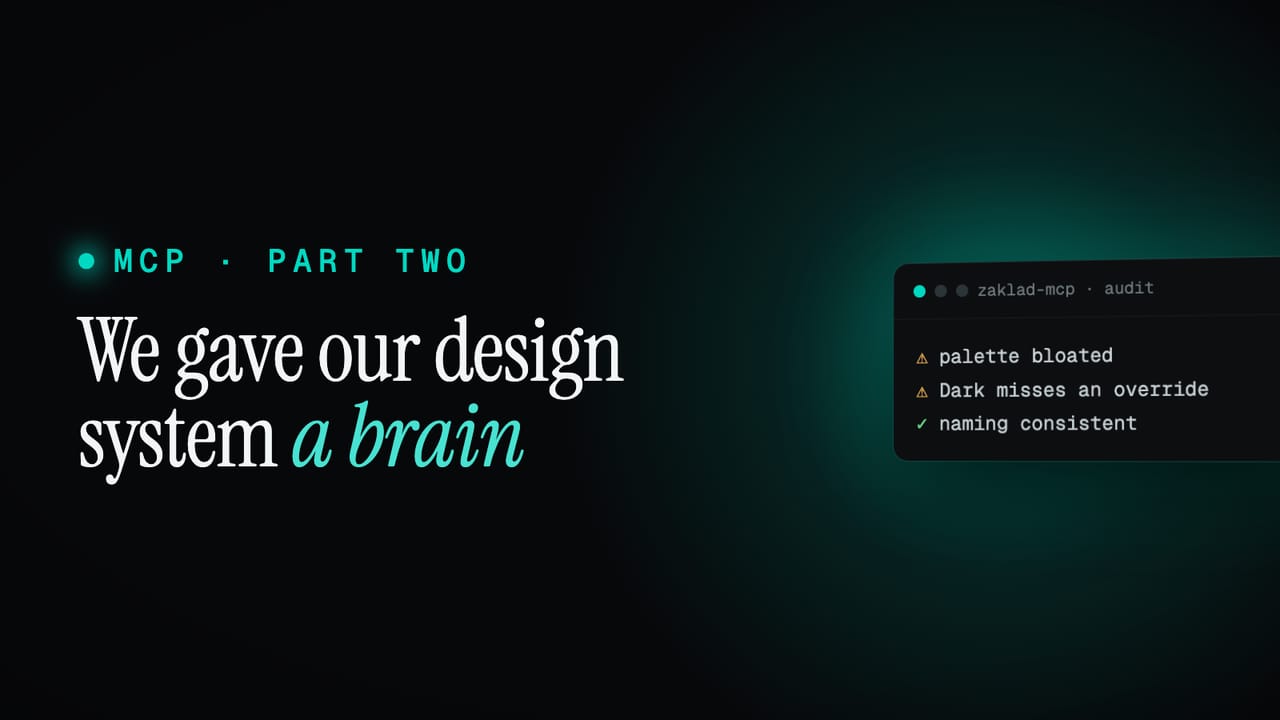
- Audit the whole thing. Find unused tokens, weak contrast or naming that has drifted, then fix it in place.
- Export for a bespoke use case. Pull your tokens out as standard design-token JSON for whatever pipeline needs them.
Hand a generative AI tool your whole system, as DESIGN.md
Sometimes you do not want a live connection, you just want to hand your whole system to a generative AI design tool, like Claude Design or Google Stitch, and start prototyping. Every project now generates a DESIGN.md: one portable, self-contained file that any AI tool can read and build from.
It can embed your whole system in the one file, your token system, themes and components, alongside every resolved value: colours per theme, typography, spacing and fonts. Part of it is generated from facts about your system, so it stays accurate, and part is an editable section you can write yourself or update over MCP, to capture intent and the real do's and don'ts.
Because it is built from your live project it can never drift out of date, and cutting a release freezes it to that version. No install, no setup, so the AI builds with the real thing instead of making it up.
Setting it up
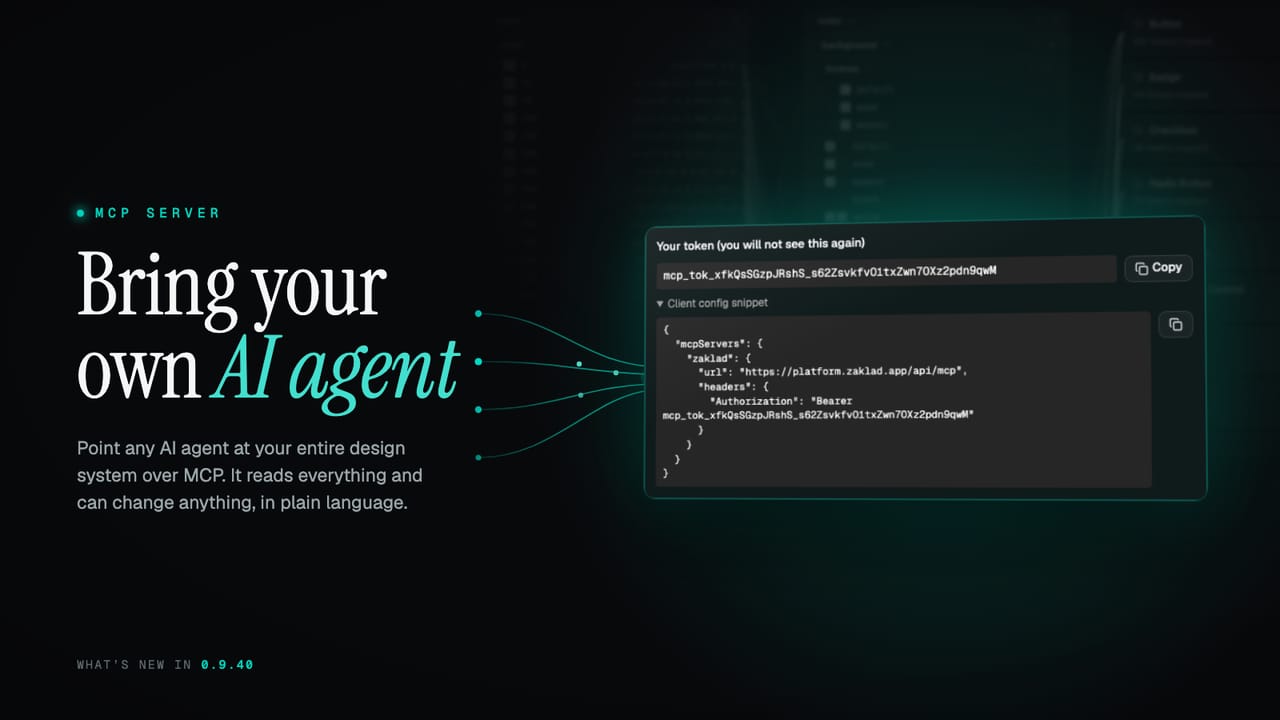
Open Project Settings, MCP / AI and generate a token. The platform hands you a ready-made config snippet with your key already in it:
{
  "mcpServers": {
    "zaklad": {
      "url": "https://platform.zaklad.app/api/mcp",
      "headers": { "Authorization": "Bearer mcp_tok_..." }
    }
  }
}
Here is the neat part: you do not have to wire it up by hand. Copy that snippet, paste it to your agent, and ask it to "add this MCP connection". Plenty of agents will set themselves up from there and connect straight back to your project.
A dedicated walkthrough is on the way for each of these. In the meantime, the MCP docs cover connecting an agent end to end, and the DESIGN.md docs cover the handoff file. A follow-up refresh lands shortly with the next batch of changes.