Tutorial
Versioned releases and rollbacks: how one publish freezes your whole system
A live design system is a moving target, which is fine while you build and a problem the moment a team depends on it. A release freezes the whole system at a version, ships that exact state to code, Figma and a token export at once, and never moves again. Here is how immutable snapshots work, and why a rollback is just a version number.
While you are building a design system, you want it live: every change visible the instant you make it, nothing to publish, no ceremony. The moment anyone else starts to depend on it, that same liveness becomes the problem. A colour you nudge on a Tuesday afternoon shows up unannounced in someone's half-finished feature, a developer's build changes underneath them between two commits, and design and code are never quite looking at the same thing. A system other people rely on cannot also be a moving target.
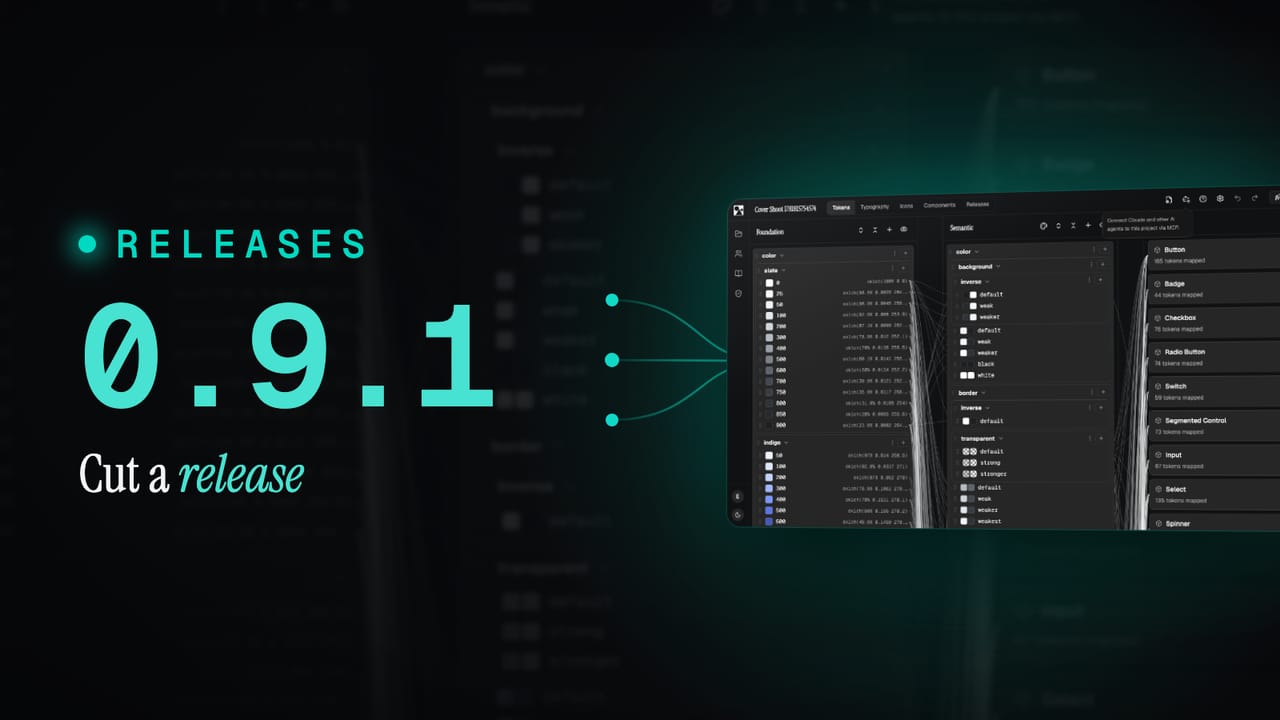
The answer is a release. When you publish, the whole system is frozen at a version: a single, named snapshot that everything downstream can point at and trust. We covered the announcement of this in what's new in 0.9.1; this guide goes a level deeper into how the snapshot actually behaves, why it never changes once cut, how the same version reaches code and Figma together, and why rolling back is nothing more dramatic than choosing an earlier number.
TL;DR
- A release is an immutable snapshot of the entire system, tagged with a
major.minor.patchversion. A given version always resolves to the exact same tokens, themes, styles and components. - One publish, every output. The same version is generated from one source into a developer package, a Figma library and a standard token export, so the channels can never drift apart.
- Consumers pin to a version and upgrade deliberately, exactly like any other dependency. Nothing changes underneath them until they choose to move.
- A rollback is just a version number: pin to an earlier release and you are back to that exact state, because the old snapshot never moved.
- Every release is kept on the record with a change summary, so you can always answer what was in a version and who has it.
What this covers
- A release is a frozen snapshot
- One version, every output
- Consuming a version
- Rolling back is just a version
- Figma stays in step
- Every release on the record
A release is a frozen snapshot
When you publish, the platform takes the entire state of your system at that moment, every token value, every theme mapping, every text style, icon and component, and freezes it as one snapshot tagged with a version number. The key property is that the snapshot is immutable. Version 1.4.0 is 1.4.0 forever: the same inputs, the same resolved values, the same components. Carry on editing the live project afterwards and you are working towards the next version, not changing the last one. The published version simply does not move.
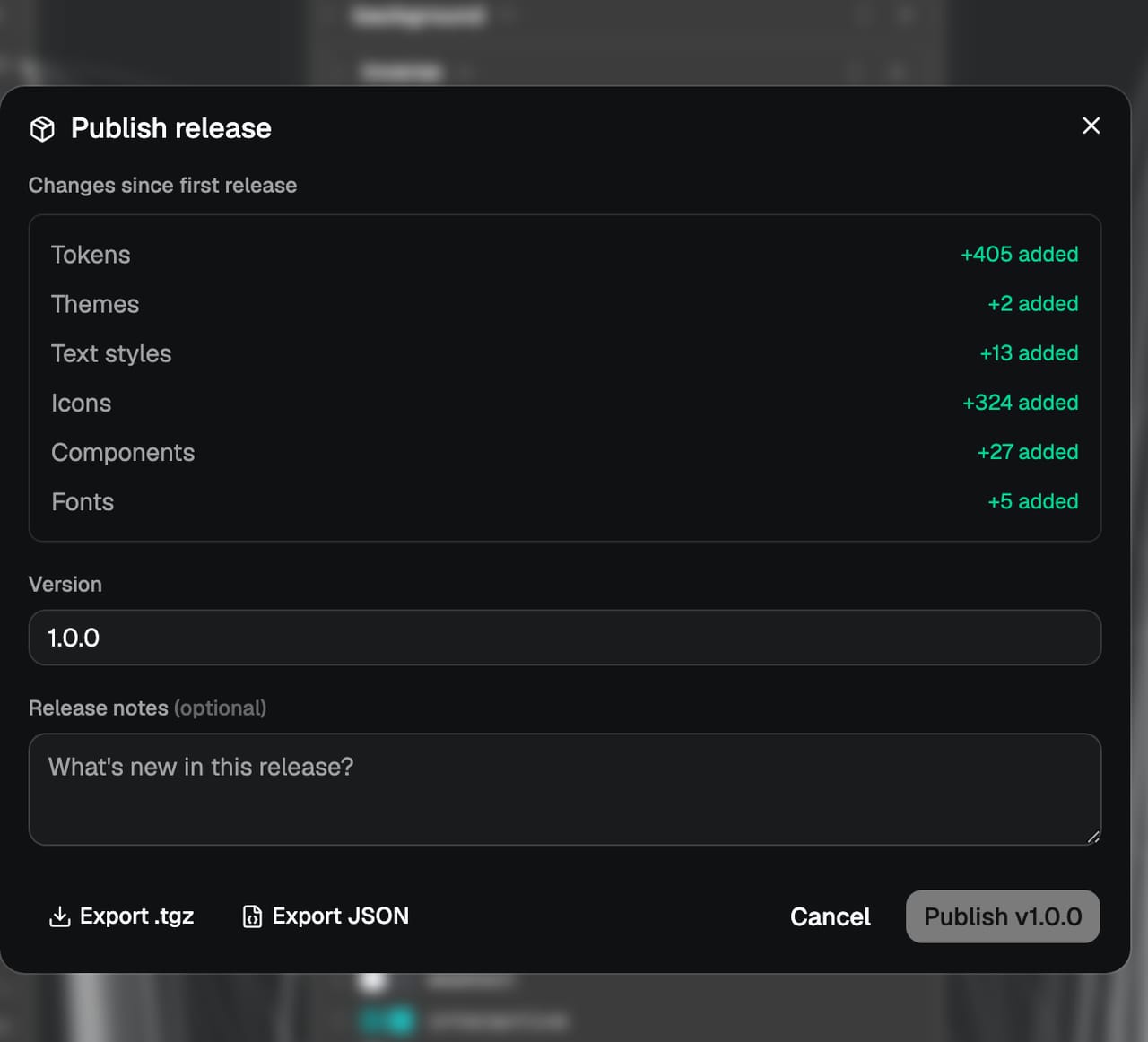
The version itself is plain major.minor.patch. Most projects start at 1.0.0, then bump the patch for fixes, the minor for new additions, and the major when something changes in a way consumers need to know about. That convention is the whole contract: a patch is safe to take without thinking, a major is a heads-up. Because the number is attached to a frozen snapshot rather than a live project, it means something precise rather than gesturing at roughly-the-current-state.
One version, every output
A design system is only as good as the things it produces, and the place most systems fall apart is the gap between those outputs: the code says one thing, the Figma library says another, and the exported tokens are from whenever someone last remembered to regenerate them. A release closes that gap by generating every output from the one snapshot, in the same step. Publish once and the same version is ready in three places at once:
- Code. The release publishes as a versioned package your build installs and pins, like any other dependency.
- Figma. The plugin can sync that exact version into a file, so design picks up the change without anyone re-mapping variables by hand.
- Anywhere else. A standard DTCG token export drops out alongside it, ready for whatever pipeline needs the raw values.
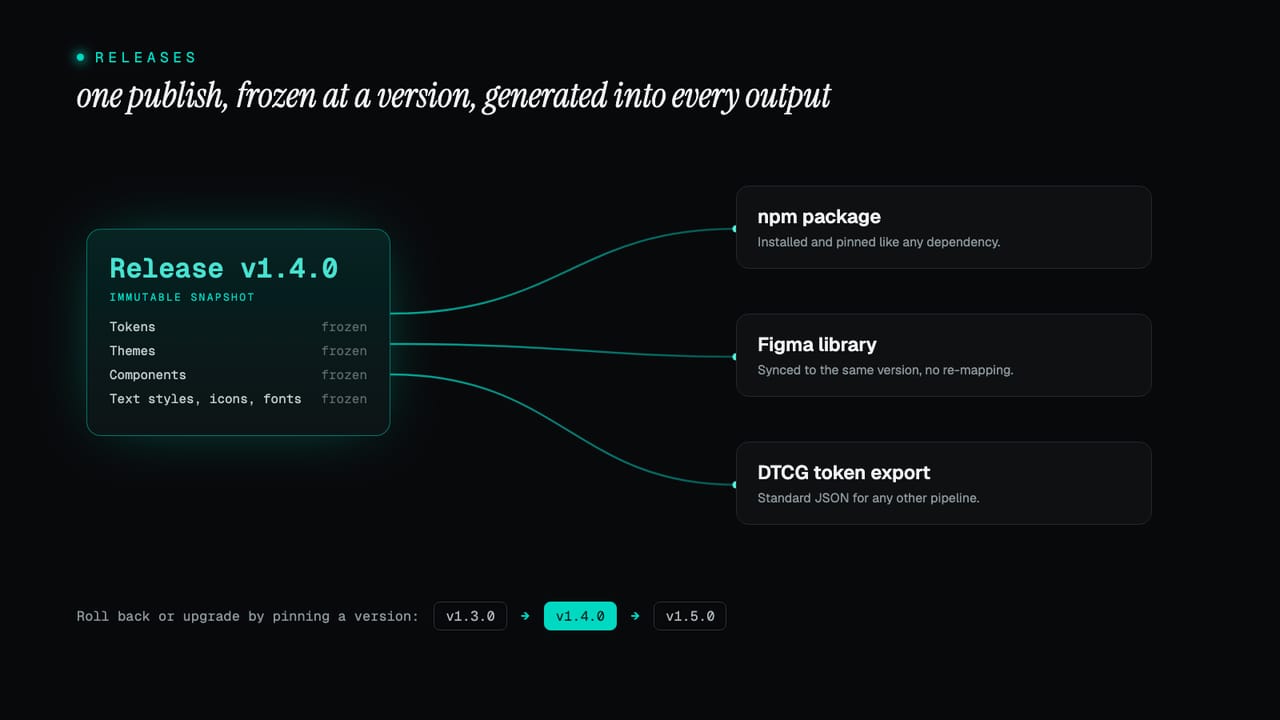
Because all three are cut from the same frozen state, a version number means the same system everywhere it lands. There is no translation step in between and nothing to keep in sync by hand, which is the part that normally needs an engineer and is the single biggest reason design systems stall. The designer-facing view of this is under releases and versioning.
Consuming a version
On the code side, a release behaves exactly like any dependency you already know how to manage, because that is what it is. Each publish produces a new package version; you take updates by changing the version in your package.json and reinstalling. Pin to an exact version and you are guaranteed that build resolves to the same tokens, components and styles every time, on every machine and in CI.
# Move to the newest release when you are ready
pnpm add @your-org/ui@latest

# Or pin an exact version and stay there
pnpm add @your-org/[email protected]
The important word is deliberately. Nothing changes underneath you until you choose to move, so an upgrade is something you do between pieces of work, read the change summary for, and take when it suits you, not a surprise that arrives mid-feature. If registry publishing is not enabled for a project, each release still produces a downloadable build you can install from a local path or vendor into your repo; the contents are identical either way. The full consumer detail is under versioning and updates.
Rolling back is just a version
Because every version is a frozen snapshot that never moves, a rollback is not a special operation, a restore from backup, or a careful undo. It is a version number. If 1.5.0 introduced something you are not ready for, pin back to 1.4.0 and you are exactly where you were, down to the last token value, because 1.4.0 is still sitting there untouched. The thing that makes rollbacks safe is the same thing that makes upgrades safe: the old state was never overwritten in the first place.
The same protection covers the moment of publishing itself. If a publish ever fails partway, it is marked clearly and you can retry it without starting over, so a bad network moment never leaves you with a half-shipped version. The history is the safety net: every state you have ever published is still addressable by its number.
Figma stays in step
Versioning shows up a little differently in Figma, because design and code want different things from it. On the free plan, the Figma library always reflects the latest state: each time you pull from the plugin you get the current system, which is exactly right when one person is moving fast. On paid plans you can pin a Figma file to a specific published release, so the file and the developer package stay locked to matching versions and a designer and a developer are provably looking at the same thing.
If your team also relies on Figma's own library versioning, that still works: you can publish your own library versions inside Figma on top of a pinned release. The platform version and the Figma-native version are not in competition; one keeps you in step with code, the other gives you Figma's familiar version control as well.
Every release on the record
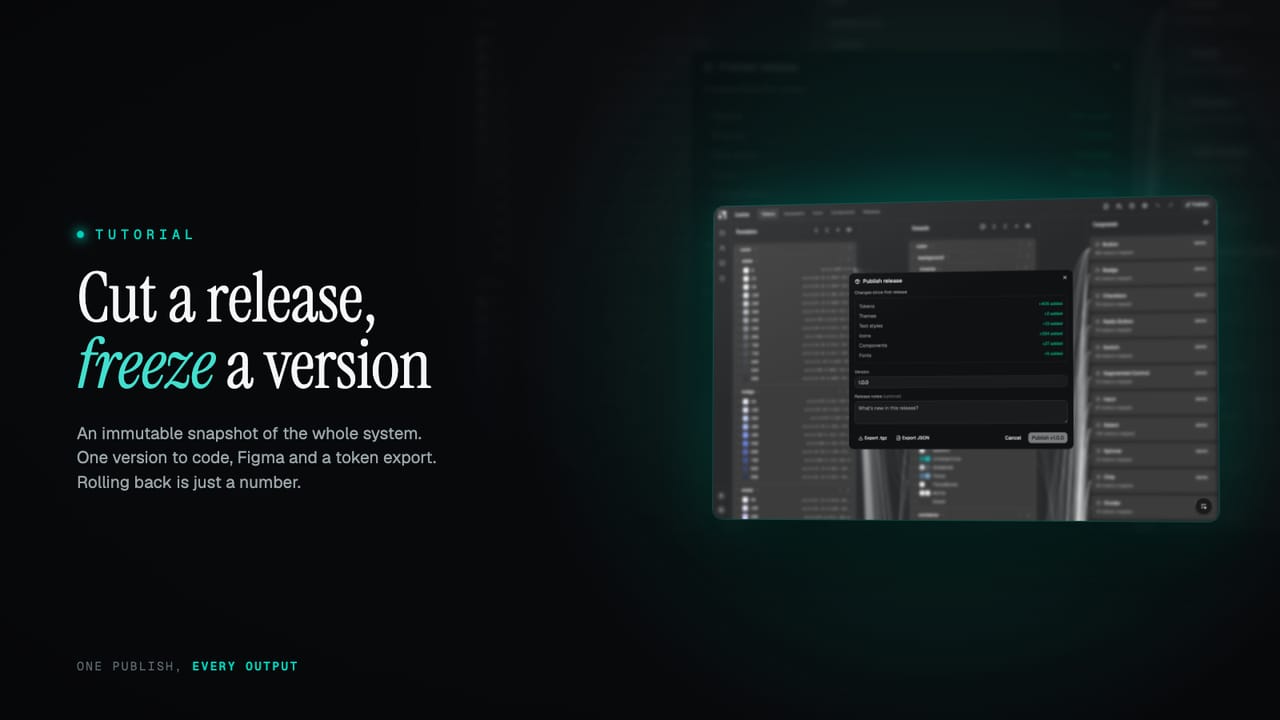
All of this is backed by a full release history. Every version is kept, with when it was created and published, where it shipped, and its release notes, and each publish records a change summary grouped the way your system is: tokens, themes, text styles, icons, components and fonts. Before you commit to a release you can see at a glance whether it is a small fix or a sweeping change, and long after, you can still answer the questions that matter: what was in v1.4, and who has it?
A versioned release turns a design system from a moving target into something a whole team can build on with confidence.
Why this matters
That is the shape of it: immutable snapshots, one version generated into every output at once, consumers that pin and upgrade on their own schedule, and a rollback that is nothing more than an earlier number. The live project stays fast and editable; the releases give everyone downstream something stable to stand on. Start a project and cut your first release from the Publish button, or read versioning and updates for the full reference.