Update
What's new in 0.9.2: the Figma plugin is officially out
0.9.2 marks the official release of the Zaklad Figma plugin. Install it straight from Figma, connect it to a project with one key, and sync your whole system, tokens, text styles, themes, modes, icons and components, into your file.
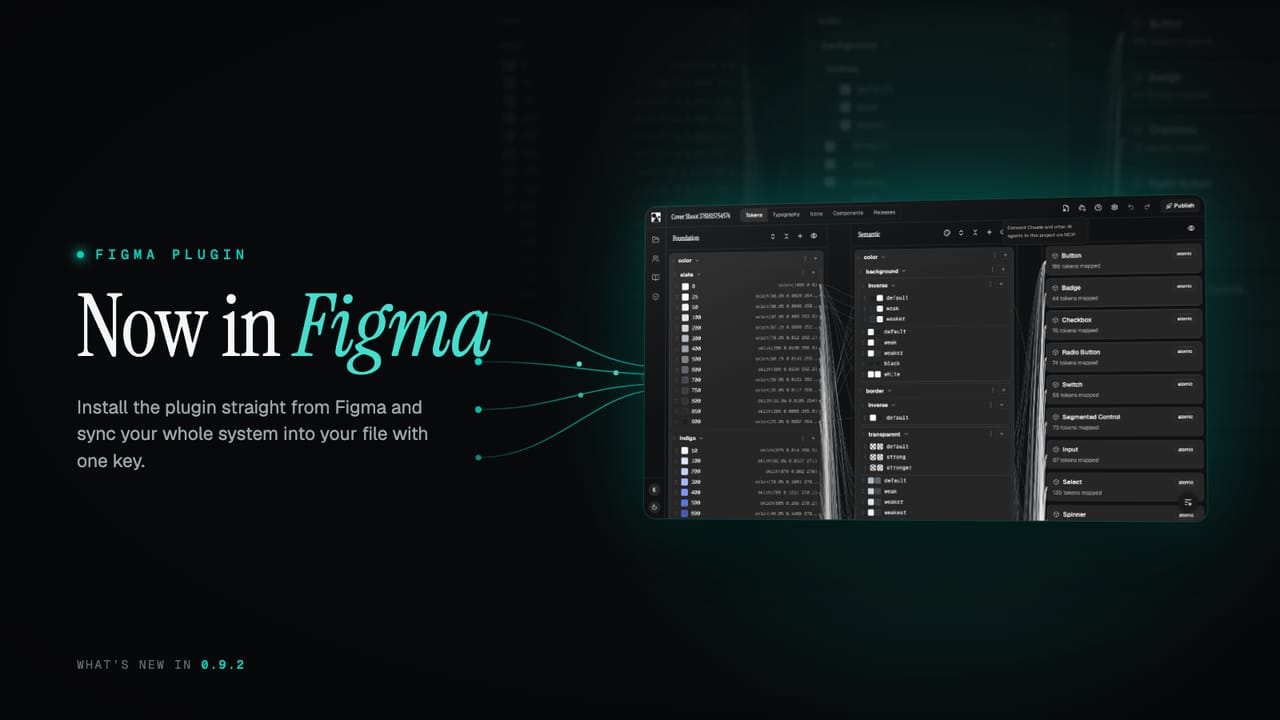
The Figma plugin has been in the wild for a while as a manual install. 0.9.2 makes it official: it now lives on Figma Community, so you fetch it straight from Figma like any other plugin, and it updates itself from there.
What's new at a glance
- Official Figma plugin. Install it directly from Figma Community.
- The old way is retired. Downloading a zip and installing it locally is no longer recommended.
- One key to connect. A per-project key links the plugin to your project.
- Sync the whole system. Tokens, text styles, themes, modes, icons and components, all into your file.
- Re-sync any time. Pull updates whenever the system changes.
Get it straight from Figma
The plugin is published on Figma Community, so installing it is the same one-click flow as any other plugin, and Figma keeps it up to date for you. You can find the link on our home page, or open it directly from the docs.
If you installed an earlier build by downloading a zip and importing it locally, that method is deprecated and no longer recommended. Install the published version instead, and you will always be on the current release without managing files by hand.
Connect it to your project
Connecting takes one key. In your project on the platform, generate a project API key, then paste it into the plugin. That single key tells the plugin which project to pull from, and that is the whole setup.
The connection only runs one way, from the platform into your Figma file. The plugin pulls the project data you have chosen to make available, and nothing about your Figma file, account or workspace is sent back. The key is scoped to that one project and you can revoke it from your account whenever you like.
What it syncs
When you run a sync, the plugin lays your system into the file as native Figma pieces:
- Tokens as variables, with their values per theme.
- Text styles as Figma text styles.
- Themes and modes as variable modes, so designers can switch between them.
- Icons as components.
- Components from your system, ready to use on the canvas.
It is not a one-off import. When your system changes, run the sync again and the file updates in place, so your Figma library and your project stay in step over time.
Two things to know, and they depend on two plans
There are two limits worth understanding up front, and they come from different places: one from your Zaklad plan, one from your Figma plan.
- What you can sync (your Zaklad plan). On the free plan the plugin syncs your Draft, the latest live state of the project. Paid plans can also pin a sync to a specific published release, so a file can track a fixed version rather than the moving Draft.
- Themes and modes (your Figma plan). Multiple variable modes are a paid Figma feature, and the number allowed per collection varies by tier. Free Figma accounts do not support them, so themes beyond the first will not come through. The plugin syncs as many modes as your plan allows and tells you which ones it had to skip.
Everything else, tokens, text styles, icons and components, syncs the same on any Figma plan. Only the multi-mode theming depends on your Figma tier.
See the features page for how the plugin fits the wider pipeline, or grab it from the home page and connect your first project. More lands shortly.